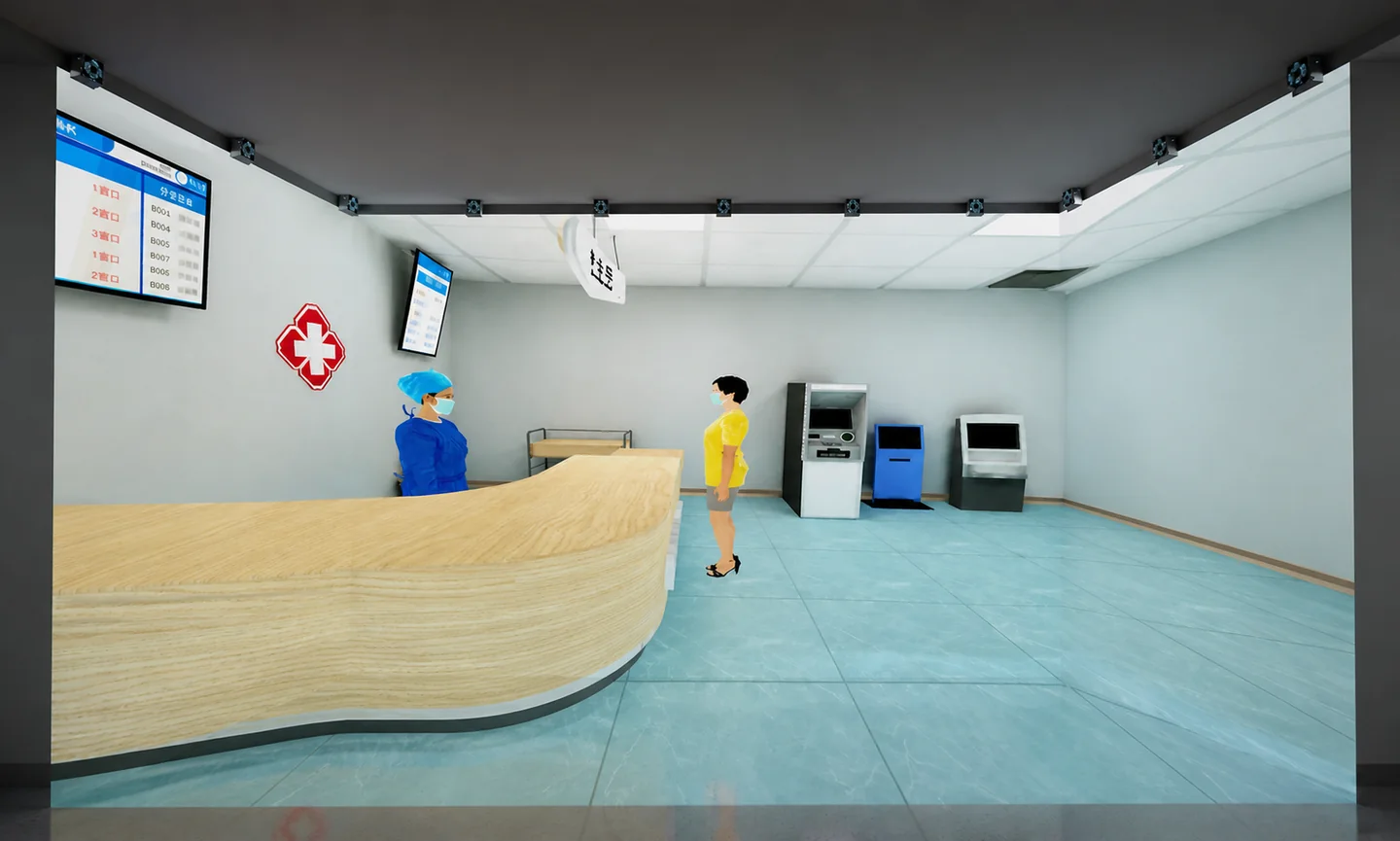
Define a multi-user VR project around the team task: who observes, who acts, which steps require coordination and how the instructor assesses completion. Agree participant roles, shared objects and workflow before developing the 3D environment and synchronization logic. The same task specification can then guide the quotation, sample scene and acceptance test.
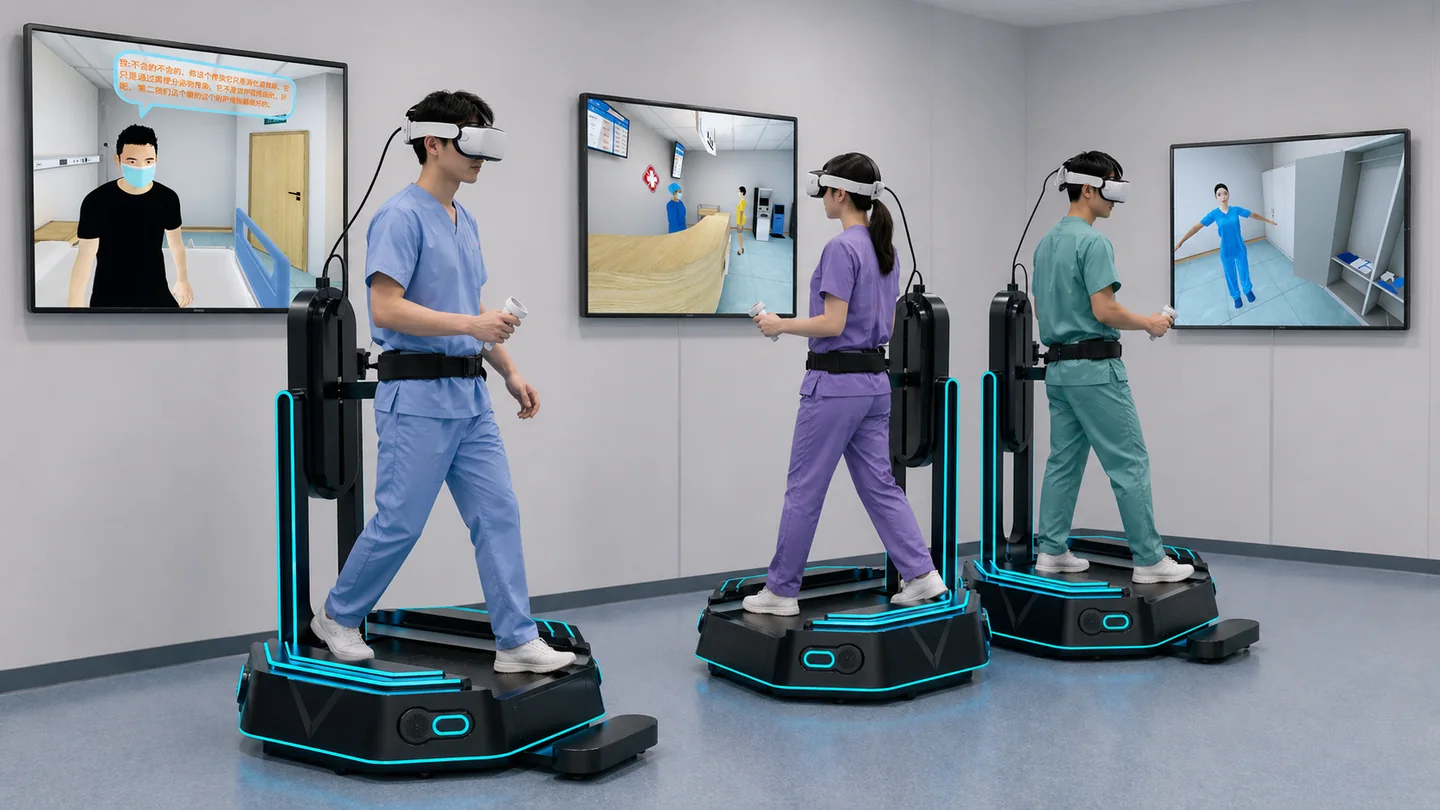
1. Turn the professional script into roles and task stages
Choose a complete scenario from the curriculum or business workflow. List the participants, information visible to each role, objects they can operate and their shared objective. Medical and public-health training can organize collaboration around workplace handovers, information reporting, preparation and scenario decisions.
For each stage, specify entry conditions, permitted actions, feedback and the next step. Where coordination is needed, define who initiates, who confirms and whether the instructor can pause or reset the scene. These decisions give 3D content, character dialogue and assessment a clear foundation.
2. Agree synchronization rules for the shared environment
Define which object, character and task states every participant needs to see. Important items can have operating permissions, availability, handover and completion states. Decide how participant positions, actions and essential information are presented.
Also discuss network deployment, joining and leaving, reconnection and the reset process between lessons. Acceptance should run the complete scenario with the target user count and check that devices show consistent states. Put the synchronization rules, hardware conditions and test method into the agreed scope.

3. Select UE5, Unity and input methods around the devices
AXR has UE5 and Unity technical teams, with experience in multi-user simulation, CAVE, AR, MR, glasses-free 3D, Vision Pro and HoloLens solutions. Engine selection should consider existing resources, target devices, visual requirements and maintenance.
Headsets, controllers, hand interaction and omnidirectional treadmills shape the workflow. Use a sample scene to confirm movement, selection, object manipulation and confirmation actions. Discuss seated or standing use and define device adaptation work. For different terminals, agree the functions and input methods individually.
4. Plan instructor observation, records and assessment
Instructors need to see task progress, participant state and important actions. Discuss an instructor station, scenario switching, pause, reset and demonstration modes. Event records can specify the role, task stage, action, time and completion result.
Assessment should follow the curriculum objectives. Separate individual completion, essential procedural steps and team coordination where appropriate, with examples that link observed events to scores. If platform login, score upload or data export is needed, specify interface fields, permissions and acceptance checks.
Choose the right cross-border delivery route
| Project scope | What to specify | Acceptance observation |
|---|---|---|
| Roles and tasks | Responsibilities, information and permissions | Each role completes its agreed task |
| Synchronization | Shared items, availability, handover and reset | Consistent states at the target user count |
| Instructor controls | Observation, switching, pause and demonstration | An instructor runs the complete lesson |
| Records and assessment | Events, rules and interfaces | Records and scores correspond to actions |
| Deployment and delivery | Devices, network, versions and materials | Operation and maintenance in the agreed environment |
5. Pilot and accept using a real team workflow
The pilot should cover the target user count, key roles, shared objects, incorrect-action feedback, reconnection and scene reset. Ask instructors to organize a lesson using the agreed workflow and review task clarity, collaboration and the relationship between actions and records.
Before delivery, confirm runtime hardware, deployment, administrator instructions, content files and the maintenance boundary. Projects that will expand should also agree version management, reusable resources and the process for commissioning additional scenes.
6. Start a customization inquiry with one sample scene
Provide a typical training script and team task, participant count, role responsibilities, devices, existing platform, languages and delivery date. A complete scenario makes it easier to compare development scope, prototype objectives and quotations.
AXR welcomes custom UE5 and Unity multi-user VR simulation projects in China. Discuss 3D content, interactive software, instructor controls and hardware integration around your teaching or business objectives.
What to prepare for a project discussion
- A typical script, key tasks and participant responsibilities
- Concurrent users, device models and network deployment
- Instructor controls, records, assessment and interfaces
- Existing scenes, 3D models and learning platform details
- Languages, sample scope, budget and delivery milestones