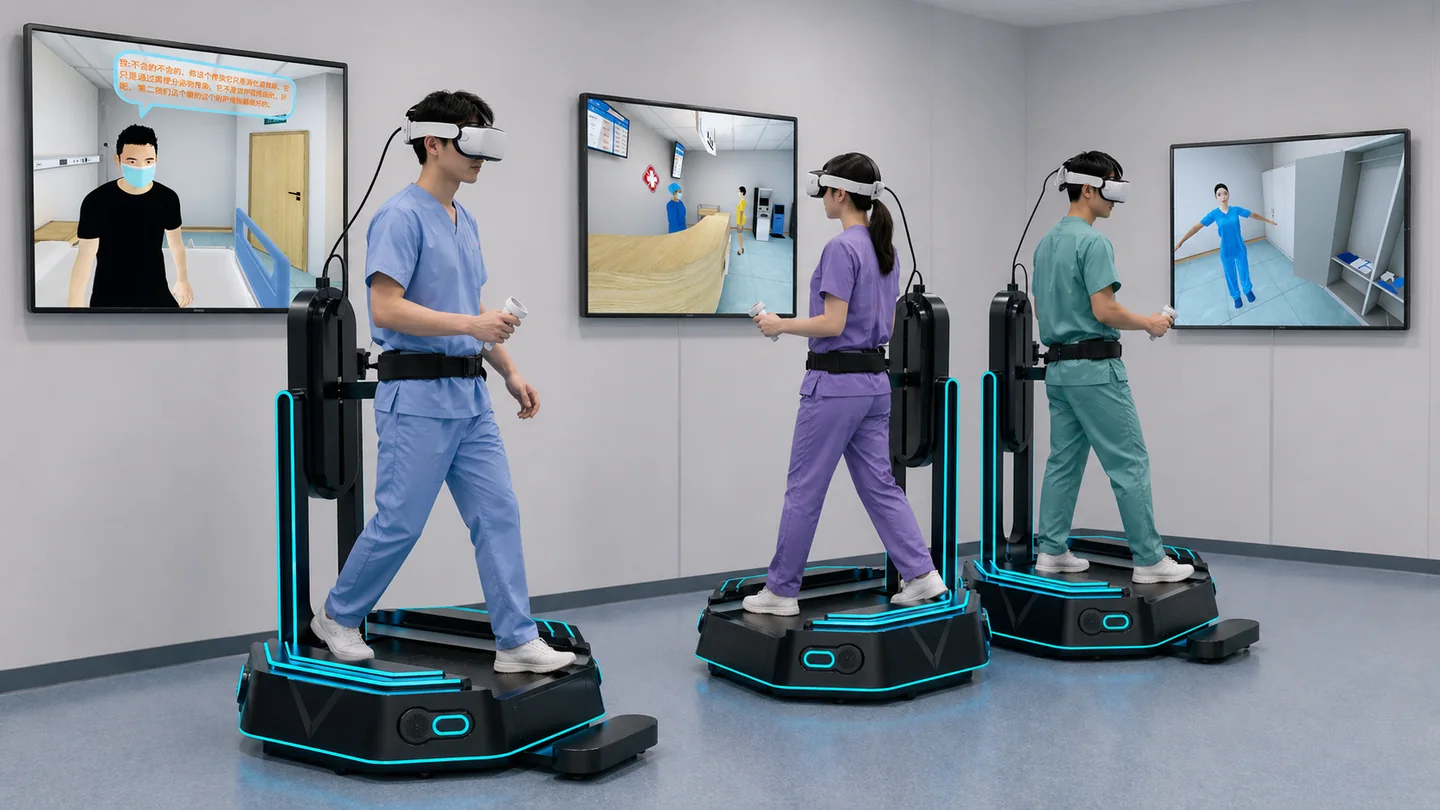
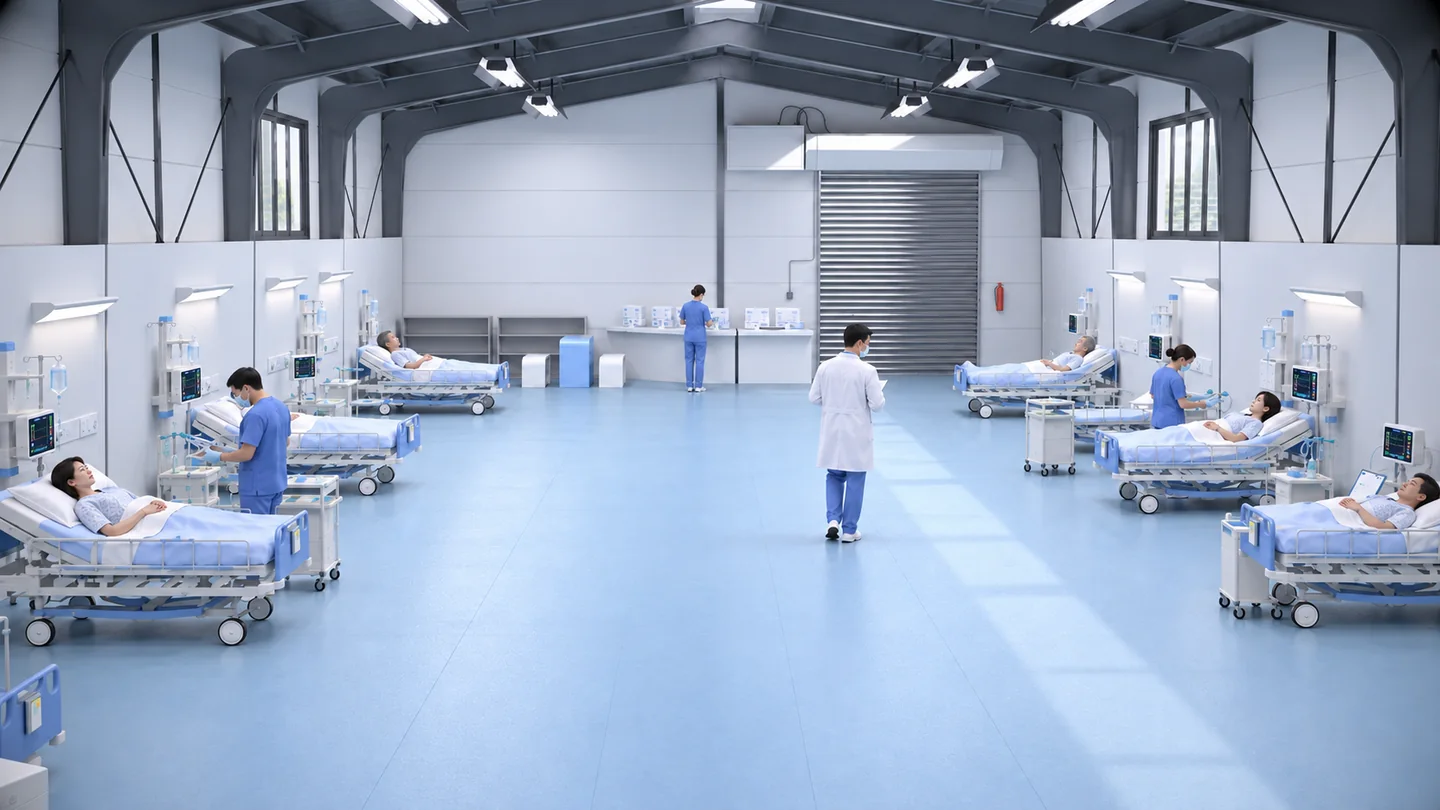
Start an immersive simulation lab with the tasks learners need to complete. Then choose the displays, interactions and software that support those tasks. CAVE, VR, AR, MR, glasses-free 3D and group displays can serve different parts of a lesson. Planning them within one curriculum and venue brief creates a clearer basis for operation, maintenance and project acceptance.
1. Define the curriculum and the lesson workflow
Anatomical observation, procedural practice, scenario decisions and team collaboration create different device requirements. Write the learning objectives, task sequence, student count and instructor observation method before assigning a function to each zone.
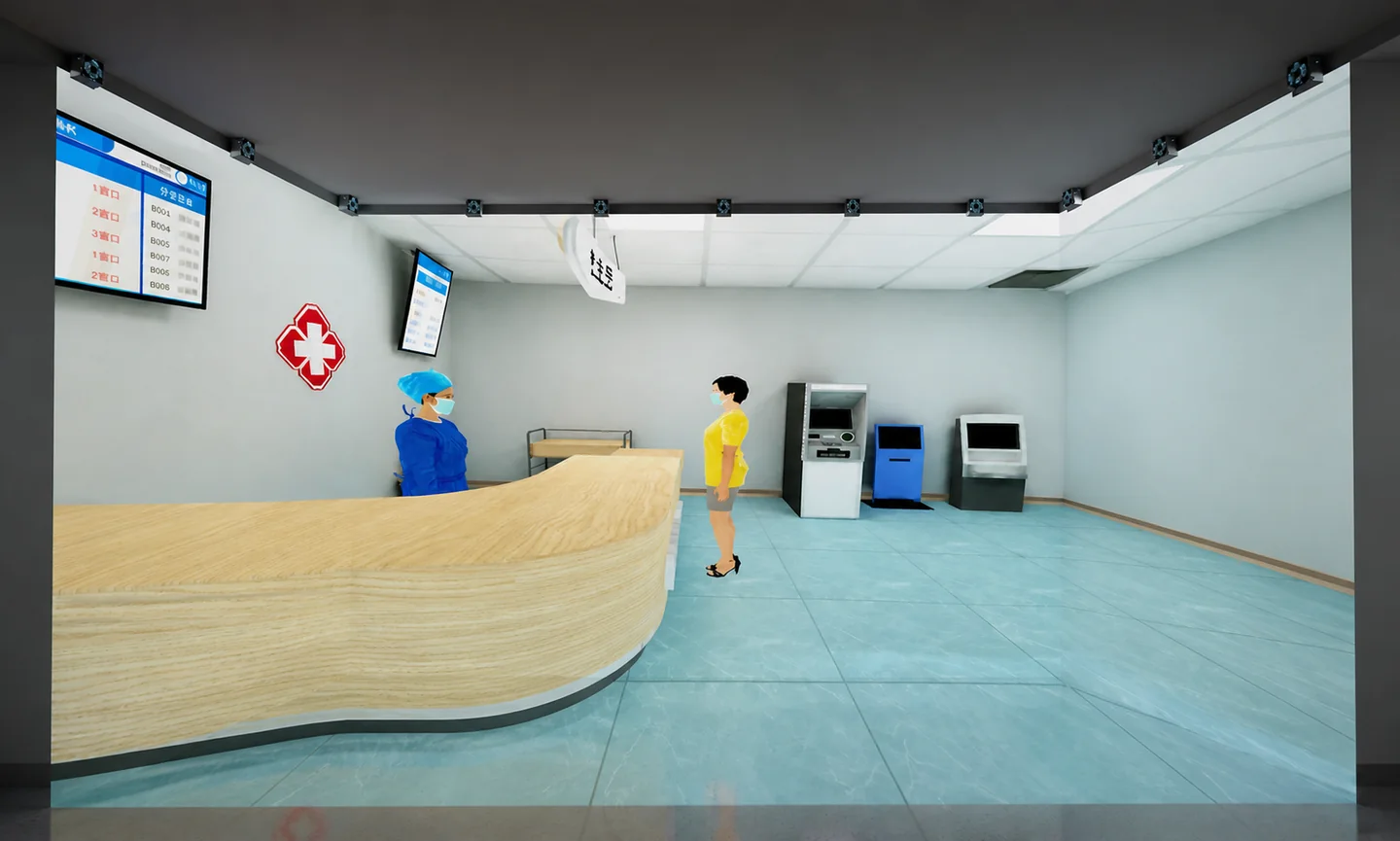
Vector education can focus on visual explanation of form and scale, while a virtual ward can organize interactions around roles, objects and workflows. Map the complete lesson: entry, practice, debrief and reset. This helps establish seats, device quantities and class rotation rather than choosing equipment from an image alone.
2. Give every display and interaction method a clear purpose
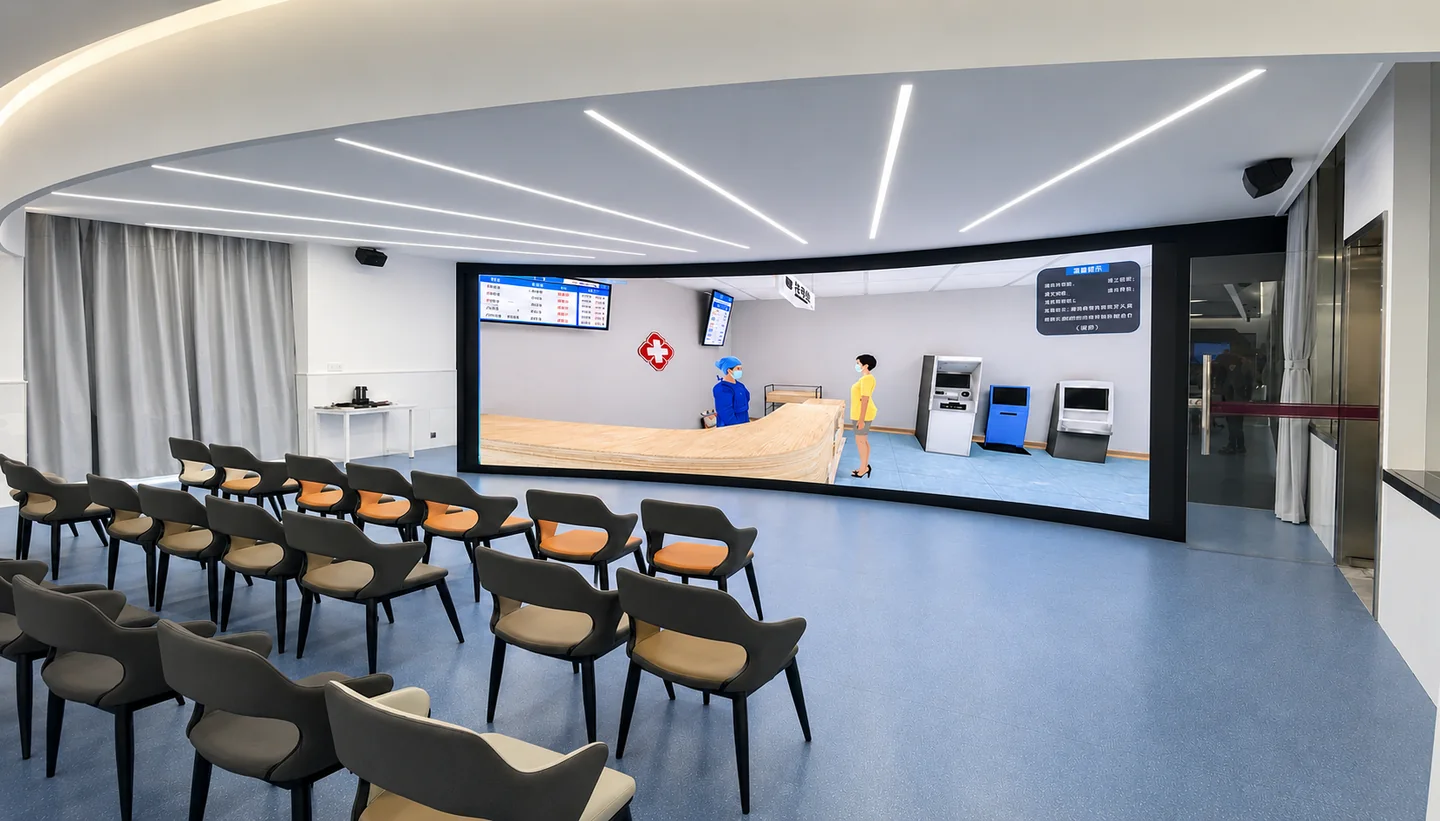
CAVE can support immersive spatial presentation and scenario observation. Headset VR can organize individual interactions or shared team tasks, while AR and MR bring digital content into a physical setting. Glasses-free 3D, holographic displays and LED screens can form demonstration, observation and debrief zones.
Clarify the level of interaction. Will learners only view content, select objects, follow a procedure or work together to advance a task? Review Vision Pro and HoloLens projects against the specific devices, operating systems and teaching workflow. A hardware name alone does not define the course functions.
Choose the right cross-border delivery route
| Technology | Training purpose to consider | Confirm first |
|---|---|---|
| CAVE | Spatial scenarios and immersive instruction | Display surfaces, room and interaction devices |
| Multi-user VR | Role collaboration and shared tasks | Users, synchronization, network and instructor controls |
| AR / MR | Digital content and interaction in a physical setting | Devices, spatial tracking and input methods |
| Vision Pro / HoloLens | Spatial computing and mixed-reality projects | Device, OS, SDK and maintenance scope |
| Glasses-free 3D | Structural and vector education displays | Viewing position, content and display hardware |
| LED / holographic display | Group observation, demonstrations and debriefing | Visual output, control and exhibit conditions |
3. Plan UE5, Unity and content development together
AXR has UE5 and Unity technical teams and solution experience across CAVE, AR, MR, glasses-free 3D, Vision Pro, HoloLens and multi-user collaboration. The development route depends on existing 3D resources, displays, interactions and maintenance requirements.
Separate the scope for 3D assets, scene software, device adaptation and interfaces when discussing a quotation. A representative course scene can validate visuals, interactions and the runtime environment before expanding the content library. For multiple platforms, agree the functions and input methods on each device rather than assuming that every experience transfers unchanged.
4. Include the venue, lesson organization and everyday operation
Share a floor plan, usable dimensions, power, network, lighting, acoustic and installation conditions. CAVE and group displays need a plan for display surfaces, instructor position and learner circulation. Headsets and walking equipment need a clear use method, staff supervision and rotation schedule.
Include equipment training, content launch, scene reset, accessory management and maintenance in the project brief. Discuss seated and standing experiences, an instructor station and offline operation where relevant. The room should support the way instructors will actually run a lesson.
5. Accept the system using a complete teaching task
Define acceptance against the agreed devices, curriculum tasks, interaction feedback, instructor controls, user count and visual output. Multi-user projects also need checks for shared object state, role permissions, reconnection and scene reset.
During a pilot, ask instructors to run a complete class workflow. Review the teaching content, pacing and coordination between devices. Projects that record scores or connect to a learning platform should specify events, scoring rules, interfaces and acceptance examples before the final delivery.
6. Prepare a brief for a simulation development team in China
Share the curriculum list, tasks, reference scenes, target devices, user count, venue, languages, budget range and delivery milestones. Include existing 3D models, system interfaces and hardware lists so that reusable resources can be identified.
AXR welcomes custom CAVE, VR, AR, MR, glasses-free 3D and spatial computing inquiries. A discussion can start with one representative course, then expand into an immersive simulation center and a coordinated set of teaching zones.
What to prepare for a project discussion
- Curriculum, workflow, task steps and participant roles
- Floor plan, hardware list, power and network conditions
- Existing 3D resources, teaching materials and interfaces
- Student numbers, instructor controls and assessment needs
- Languages, budget range, pilot and delivery milestones